
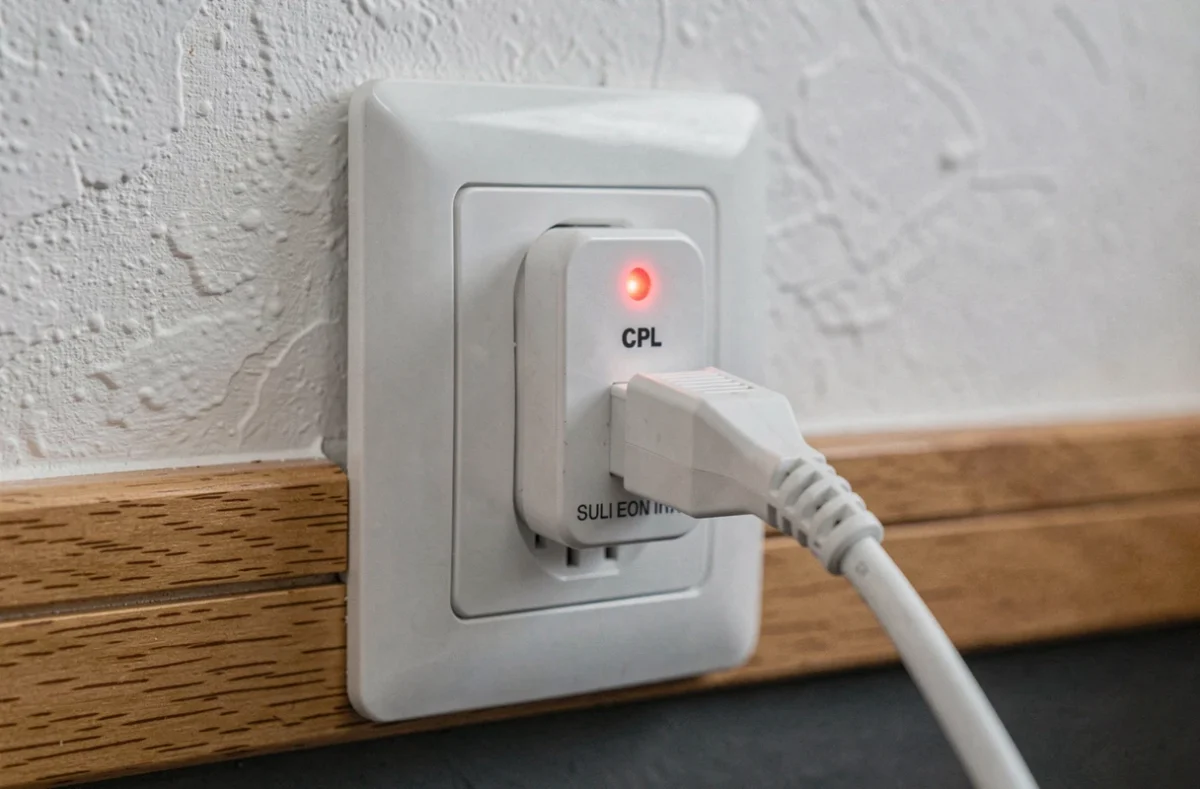
A solid or blinking red light on a powerline adapter provided by Bouygues Telecom indicates a communication fault between the units, not necessarily an Internet connection failure. Before contacting customer service or replacing the equipment, several quick checks can help narrow down the problem. The home electrical network plays a direct role in the quality of the powerline connection, making diagnosis less intuitive than with a simple Ethernet cable.
Powerline Connection and Electrical Circuit: Why Distance Between Rooms Doesn’t Matter
Most guides recommend bringing the powerline adapters closer together. This advice overlooks the real limiting factor: the actual electrical path between the two outlets, which does not necessarily correspond to the physical distance between the rooms.
Two wall outlets separated by a few meters may depend on distinct circuits passing through the electrical panel, with filters or protections that degrade the signal. Conversely, a more distant outlet connected to the same circuit may provide a good throughput. When a red light on a Bouygues powerline adapter appears, the first useful reflex is to move the distant adapter to another wall outlet and observe if the light turns green again.
Moving a single adapter and comparing results is more reliable than changing rooms. Testing three or four different outlets allows for quick identification of whether the problem lies with the electrical circuit or the device itself.
Differentiating a Powerline Issue from an Internet Outage on the Bbox
The red light indicates that the connection between the two powerline units is faulty. It says nothing about the state of the Internet connection at the source. Confusing the two leads to erroneous diagnostics and calls to technical support that yield no results.
To isolate the cause, a reliable reference must be established. Connecting a computer directly via Ethernet to the Bbox, without going through the powerline, allows verification of whether the Internet connection is functioning normally. If the throughput is correct with a direct connection, the problem lies with the powerline segment. If the throughput is degraded even with a direct connection, the issue concerns the box or the line.
The Three Segments to Test Separately
- The throughput of the powerline connection between the two adapters, observable via the light (green, orange, or red depending on signal quality) and, when possible, via the management interface of the unit.
- The throughput of the Ethernet port between the distant powerline adapter and the connected device: a faulty cable or a dirty port can be enough to cut the connection, even with a functioning powerline link.
- The throughput actually provided by the Internet connection, measured by plugging a device directly into the Bbox via Ethernet.
A temporary test using Ethernet directly on the Bbox serves as a reference to determine whether the powerline network is at fault or if the problem originates from the line itself.
Powerline Adapter with Integrated Wi-Fi: A Common Diagnostic Trap
Some powerline kits distributed by Bouygues include a Wi-Fi access point on the distant unit. This configuration adds an additional segment in the chain, and thus an additional point of failure that the red light does not indicate.
A powerline adapter with Wi-Fi may show a correct powerline connection (green light) while having issues on the wireless segment. Conversely, a red light on the powerline connection does not prevent the local Wi-Fi of the unit from functioning, creating a confusing situation where the device appears connected but cannot access the Internet.
To clarify the ambiguity, plugging an Ethernet cable directly into the port of the distant powerline unit allows testing the wired connection without the intermediary of Wi-Fi. If the connection works wired but not via Wi-Fi, the problem is localized to the wireless module of the unit. Testing via Ethernet on the second unit separates a powerline fault from a Wi-Fi fault.

Resetting a Bouygues Powerline Adapter: Method and Limitations
When the red light persists after testing several outlets and checking the cables, resetting the adapters is the next step. On most models provided by Bouygues, a reset button located at the back or underneath the unit allows restoring factory settings.
Holding the reset button for about ten seconds is usually enough to trigger the procedure. The lights blink, the unit restarts, and attempts to restore the connection with the other adapter. Both units must be reset, not just one, for them to re-pair correctly.
What the Reset Does Not Resolve
Resetting clears any potential software conflicts between the adapters, but it does not fix an electrical wiring issue. If the home circuit has interference (power strips with surge protection, inverters, switching chargers plugged into the same line), the red light will reappear after a few minutes or hours.
- Surge-protected power strips filter the frequencies used by powerline technology. Plugging the adapter directly into the wall outlet, without intermediaries, is a prerequisite for any diagnosis.
- Large household appliances (oven, washing machine, dryer) generate intermittent interference on the electrical network. A light that turns red only at certain times often points to this type of disturbance.
- An old electrical panel with poorly insulated circuits can make any powerline connection unstable, regardless of the adapter model used.
The powerline operates on the existing electrical network, and the quality of this network is the determining factor. If the home wiring is old or overloaded, no reset will compensate for this hardware limitation.
A persistent red light after these checks may indicate a faulty adapter. Bouygues Telecom offers equipment replacement in case of proven failure, but prior diagnostics (direct Ethernet test, testing on multiple outlets, resetting both units) remain a necessary step before any replacement request. Field returns show that the majority of red lights originate from the connection or the electrical environment, not from a failure of the unit itself.